Send workouts to Apple's Workout app
Prefer starting workouts from Apple's own Workout app on your watch? Parameter can put your planned workouts there, one at a time or automatically.
About 4 minutes
1. What this does
Parameter’s own watch app is the richest way to run a workout: live targets, crown adjustments, heart-rate alerts from your own zones, and full set-by-set logging. But some people live in Apple’s Workout app, and Parameter meets them there.
Any planned cardio or interval workout can be added to Apple’s Workout app, where it appears on your watch ready to start. The structure comes with it: warmup, work and recovery blocks with their durations or distances, cooldown, and a heart-rate alert when the workout carries a zone target. You start it from the watch yourself. Nothing ever auto-starts.
2. Add one workout
- Open the workout in Parameter.
- Tap Add to Apple Workout app.
- The first time, iOS asks permission for Parameter to add workouts to Apple Watch. Allow it.
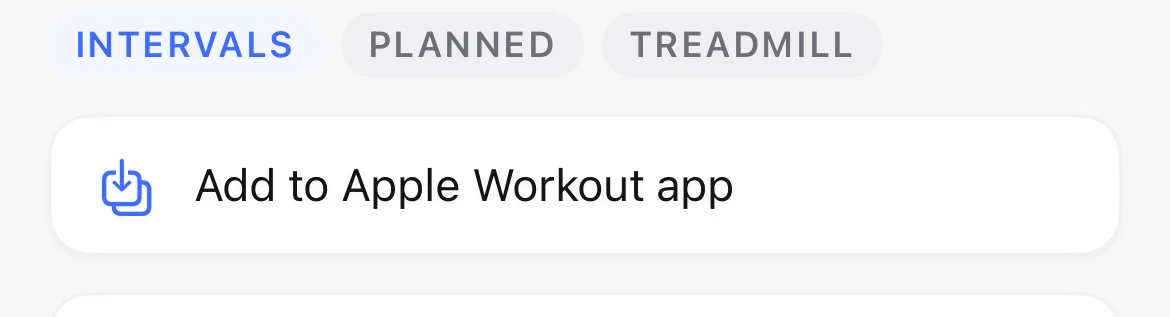
The button changes to Added to Apple Workout app and stays that way until you change the workout. If you later move or edit the workout, the copy in Apple’s app follows.
3. Or add everything automatically
For a fully hands-off setup, turn on Settings, Apple Workout app, Automatically add scheduled workouts to the Workout app. From then on, every upcoming planned workout that can be represented appears in Apple’s Workout app on its own, including workouts your AI schedules while Parameter is in your pocket.
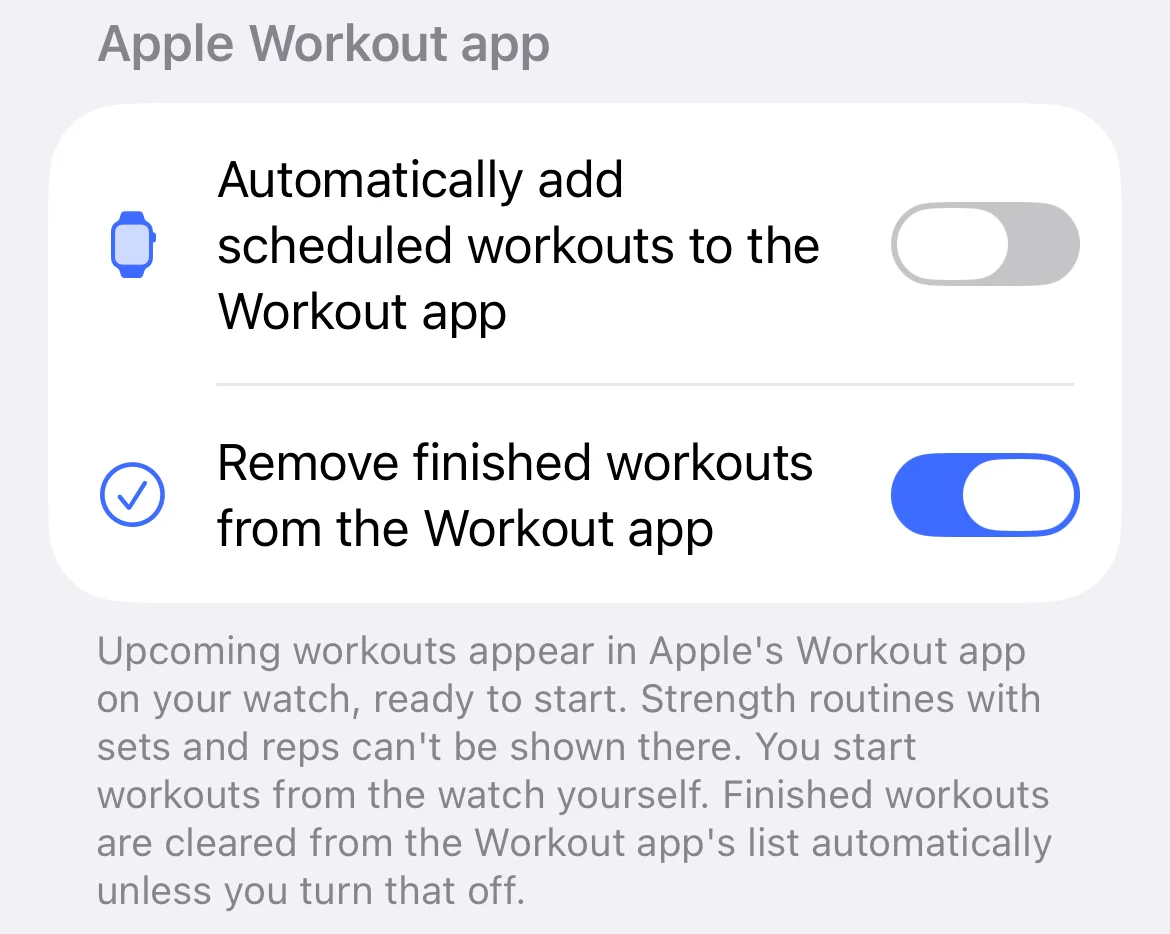
Turning the automatic toggle off removes the workouts it added. Workouts you added with the button stay.
4. Find them on the watch
Open Apple’s Workout app on the watch. The front page surfaces one suggested workout at a time, so it can look like only one Parameter workout made it over. The full list is one level deeper:
- Tap the ⋯ button in the top right of the Workout app.
- Tap Parameter.
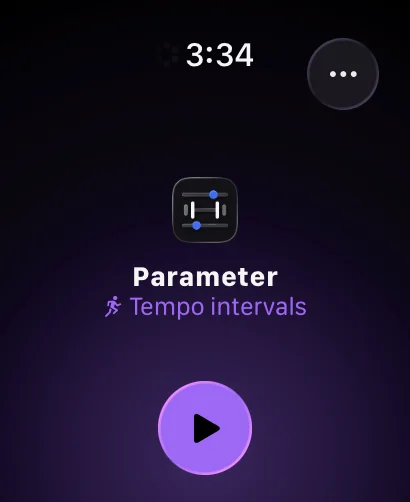
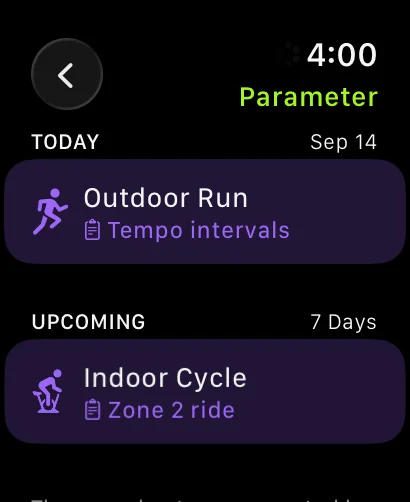
That screen lists everything Parameter scheduled, grouped by day, each with its activity type and title.
5. Run one, and what happens after
Start the workout from the watch and Apple’s app runs it: each block in order, with its time or distance goal, and a heart-rate alert built from your Parameter zones when the workout has a zone target.
When you finish, Parameter closes the loop the next time it opens:
- The planned workout in Parameter is marked done, with the duration, heart rate, calories, and distance from the session attached. No duplicate entry, no manual step.
- On iOS 18 and later, the effort rating you give on the watch afterwards comes across too, as the workout’s perceived effort.
- The finished entry is cleared from Apple’s scheduled list so it stops counting against Apple’s limit of fifty scheduled workouts. If you would rather completed workouts stay listed there, turn off Remove finished workouts from the Workout app in Settings.
6. What converts, and what doesn’t
Cardio and interval workouts translate faithfully. A strength session with a duration goal appears as a timed strength workout.
Strength routines with exercises, sets, and reps can’t be represented, because Apple’s Workout app has no concept of sets or reps. Those never show an Add button. If you want a strength session in Apple’s app anyway, ask your AI for a simple timed strength workout instead, and run the detailed version in Parameter’s own watch app, which was built for it.